PUB RescueJoin the waitlist

PUB Rescue for Windows

Your Publisher files, safe in PDF and PowerPoint.

PUB Rescue converts .pub files on your own computer, a whole folder at a time, and tells you exactly what didn't come across.

Join the waitlistComing soon for Windows 10 and 11.
Illustration of the PUB Rescue window. The app is in English.

What's changing

Publisher is being retired.

In October 2026 Microsoft is retiring Publisher: it leaves Microsoft 365 on 1 October, and support for the remaining versions ends on 13 October. Years of newsletters, flyers and templates are in a format almost nothing else opens properly.

Microsoft's announcement

How it works

Add a folder. Get PDFs and slides back.

  1. Add a file or a whole folder.

    Drop it on the window or choose it. Subfolders come too, and your originals are only read, never changed.

  2. Every file becomes a PDF and a PowerPoint.

    PUB Rescue converts every file into a new folder with the same structure. Leave it running, even on thousands of files.

  3. Nothing disappears without a note.

    If a font is missing or an effect can't be reproduced, the report says which file and which page.

Layout and fonts

Checked against Publisher itself.

PUB Rescue lays out every page itself, and we check the results against more than 400 PDFs exported by Microsoft Publisher. Text that flows across linked boxes comes out once, in the right order.

For common Office fonts you don't have, PUB Rescue uses look-alikes with the same letter widths, so lines break in the same places. The report lists which fonts to install for an exact match.

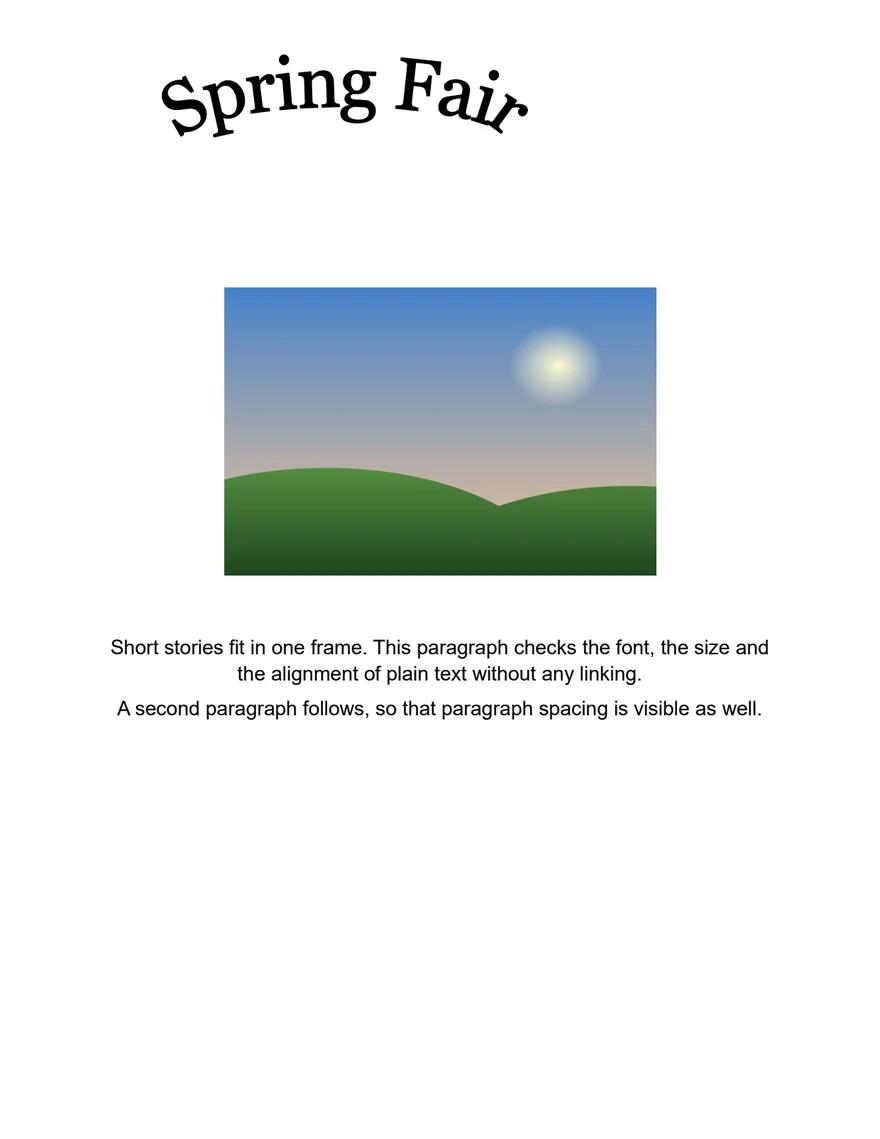
Flyer page exported to PDF by Microsoft Publisher
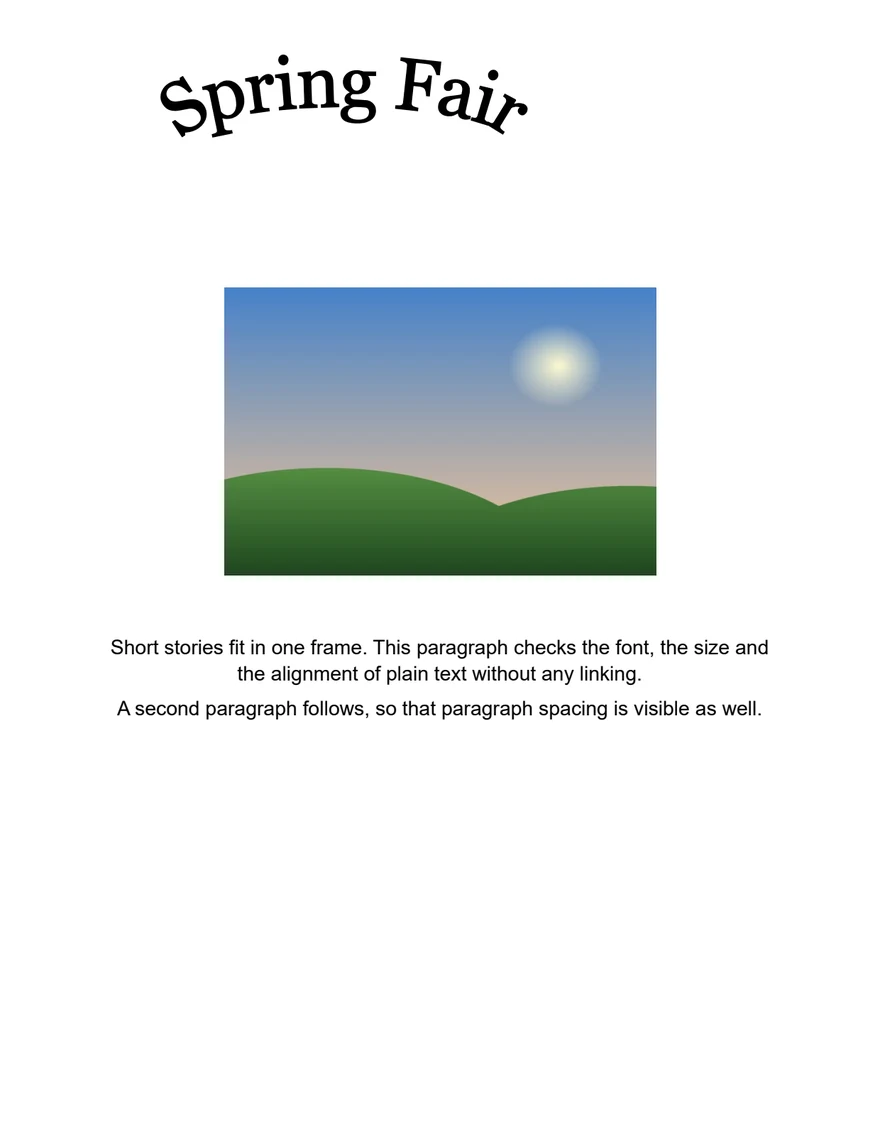
The same page converted to PDF by PUB Rescue1
PublisherPUB Rescue

Converted

  1. WordArt is drawn in a simpler form: 3-D effects look plain.
  2. Some Publisher formatting in this file is not carried over yet.
Left: exported by Microsoft Publisher. Right: converted by PUB Rescue. Our own test flyer, page 1.

Highlights

Built for real archives.

  • 400+reference PDFs exported by Microsoft Publisher that we test PUB Rescue against
  • 1,000files converted in one tested batch
  • Oncetext across linked boxes comes out once, in the right order
  • Same widthslook-alike fonts for common Office fonts, so lines break in the same places
  • PDF/Aoptional archival PDF next to the editable PowerPoint
  • 0 uploadseverything happens on your PC, and converting works without internet

Editable PowerPoint

Every page is also a slide you can edit.

Need to change something? Every page also becomes a PowerPoint slide, with the text still editable and the boxes where they were.

Privacy

Everything stays on your PC.

No upload, no account, and converting works without internet.

  • No upload
  • No account
  • Works offline

Large archives

Point it at thousands of files.

If you stop halfway, the next run picks up where it left off. Files kept only in OneDrive are fetched one at a time.

For organisations

Made for shared drives and whole archives.

  • Tested on batches of 1,000 files

    Leave it running. A damaged file is set aside and reported; the rest carry on.

  • Reports as a web page or CSV

    One report for the whole batch, to check or to hand over.

  • Network drives and long paths

    Shared folders, deep folder trees and files kept only in OneDrive.

  • Business edition

    For use within a company or organisation.

Pricing

Pay once. No subscription.

The free trial converts everything to PDF with a watermark, so you can check your own files first.

Free trial

Every file to PDF with a watermark, and the full report. No PowerPoint files.

Personal

For one person's own, non-commercial use. PDF without a watermark, and PowerPoint.

Business

For use within a company or organisation. The same features as Personal.

Prices are announced when PUB Rescue is available.

FAQ

Questions and answers.

Do I need Microsoft Publisher?

No. PUB Rescue reads .pub files itself.

Are my files uploaded anywhere?

No. Everything happens on your computer, and converting works without internet.

Will it change my original files?

No. Converted files go into a new folder.

Which Publisher versions does it handle?

Files from Publisher 2000 to Microsoft 365. Older files are converted where possible, and the report says what was lost.

What do I get?

A PDF of every file (with an archival PDF/A option) and a PowerPoint file with editable text.

Can I get Word files?

Not at launch.

What if something doesn't convert exactly?

The report tells you which file, which page and what, so you know exactly what to check.

Is it a subscription?

No. You pay once. The free trial converts everything to PDF with a watermark.

When can I get it?

We're finishing it now. Join the waitlist and we'll send one email when you can buy it.

What do I need to run it?

A PC with Windows 10 (version 22H2) or Windows 11, 64-bit.

How do I install it?

From the Microsoft Store, like any other Store app.

Do I need internet?

Only to install it, to buy a licence and to activate it once. You can also activate from another device. Converting works offline.

Does it handle text in other languages, with accents?

Yes. The report tells you if a font or a character needs attention.

What if a file is damaged?

The rest of the batch carries on, and the report lists the file that couldn't be converted.

Is there a Mac version?

It's planned. Tell us in the waitlist form if you need it.

Do I upload my files to you?

No. PUB Rescue is a Windows app. We don't run an upload service; if a site asks you to upload your files, it isn't us.

Is PUB Rescue made by Microsoft?

No. It's an independent product and isn't affiliated with Microsoft.

Join the waitlist

We'll send one email when PUB Rescue is available.

Which system do you use? Optional
How many .pub files do you have? Optional