Press release · 7 October 2026
Microsoft Publisher is being retired. Here is how to keep your .pub files usable.
Microsoft removed Publisher from Microsoft 365 on 1 October 2026, and support for Publisher 2021 and Office LTSC 2021 ends on 13 October 2026. Churches, schools, clubs, town halls and small businesses have years of newsletters, flyers and templates in the .pub format, which almost no other program opens properly.
Source: Microsoft's announcement.
What users can do now
- Export while Publisher still runs. Publisher 2021 and older desktop versions keep working after support ends. Open the important files and use File > Export > PDF.
- Free office suites. LibreOffice Draw imports many .pub files. It works well for simple one-page flyers; linked text boxes, tables and missing fonts are where it struggles.
- Online converters are quick for a single file, but the file goes to a third-party server. That is a problem for member lists and letters with personal data.
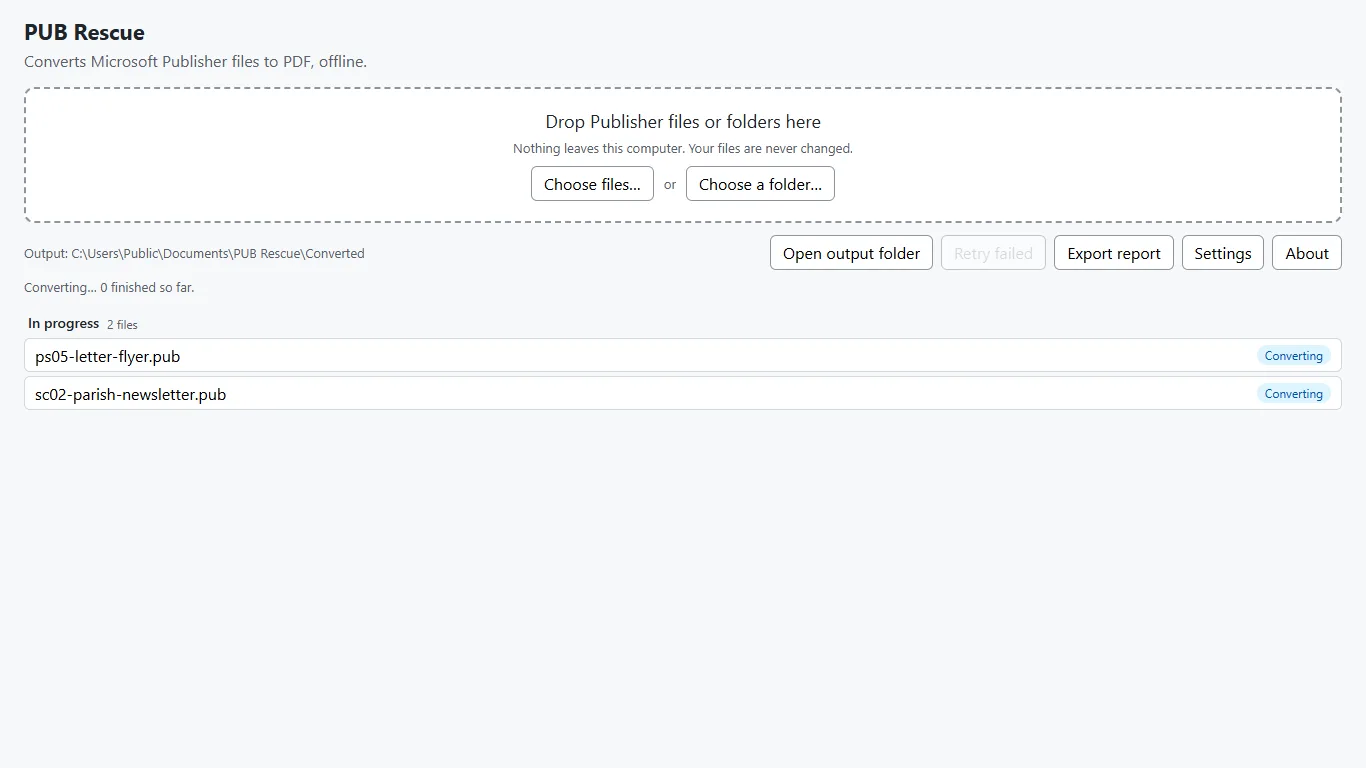
- Batch conversion on your own PC. For whole archives, a desktop converter such as PUB Rescue converts folders of .pub files offline.
About PUB Rescue
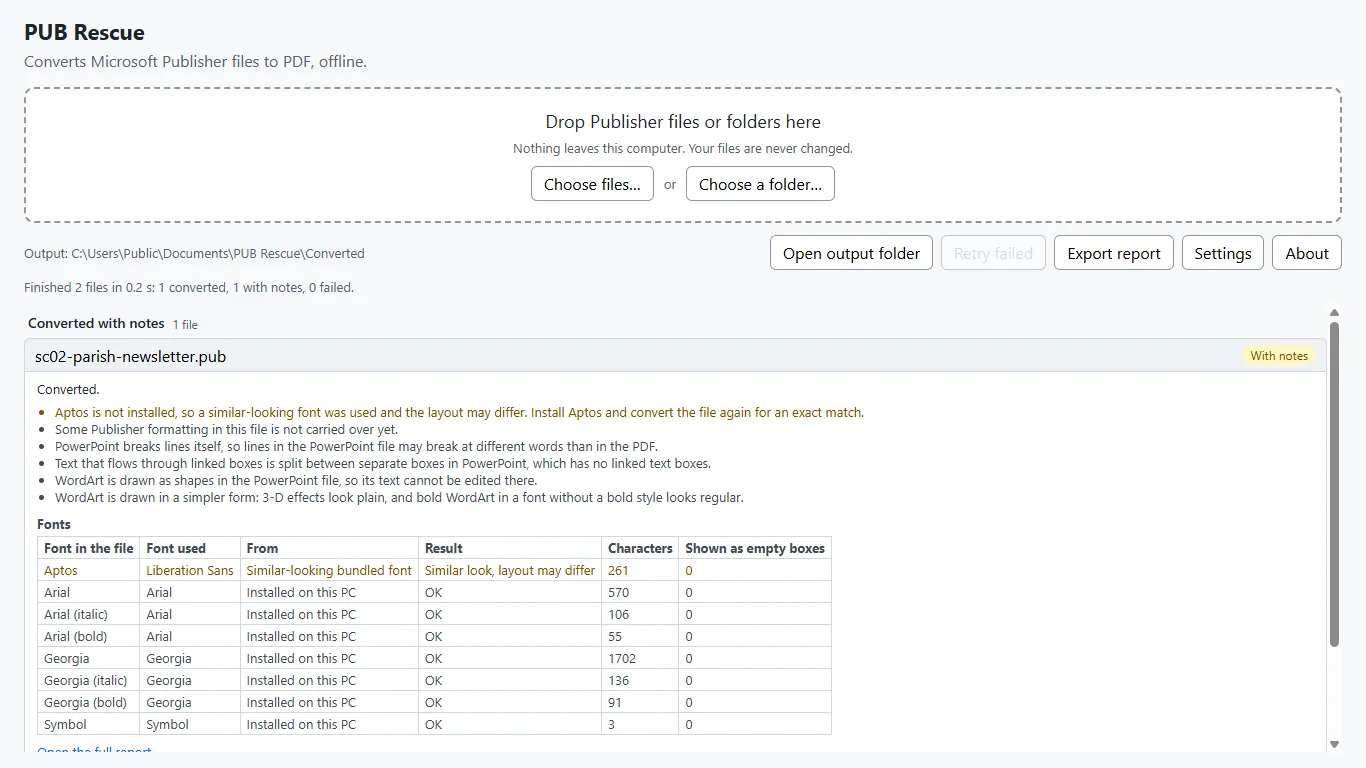
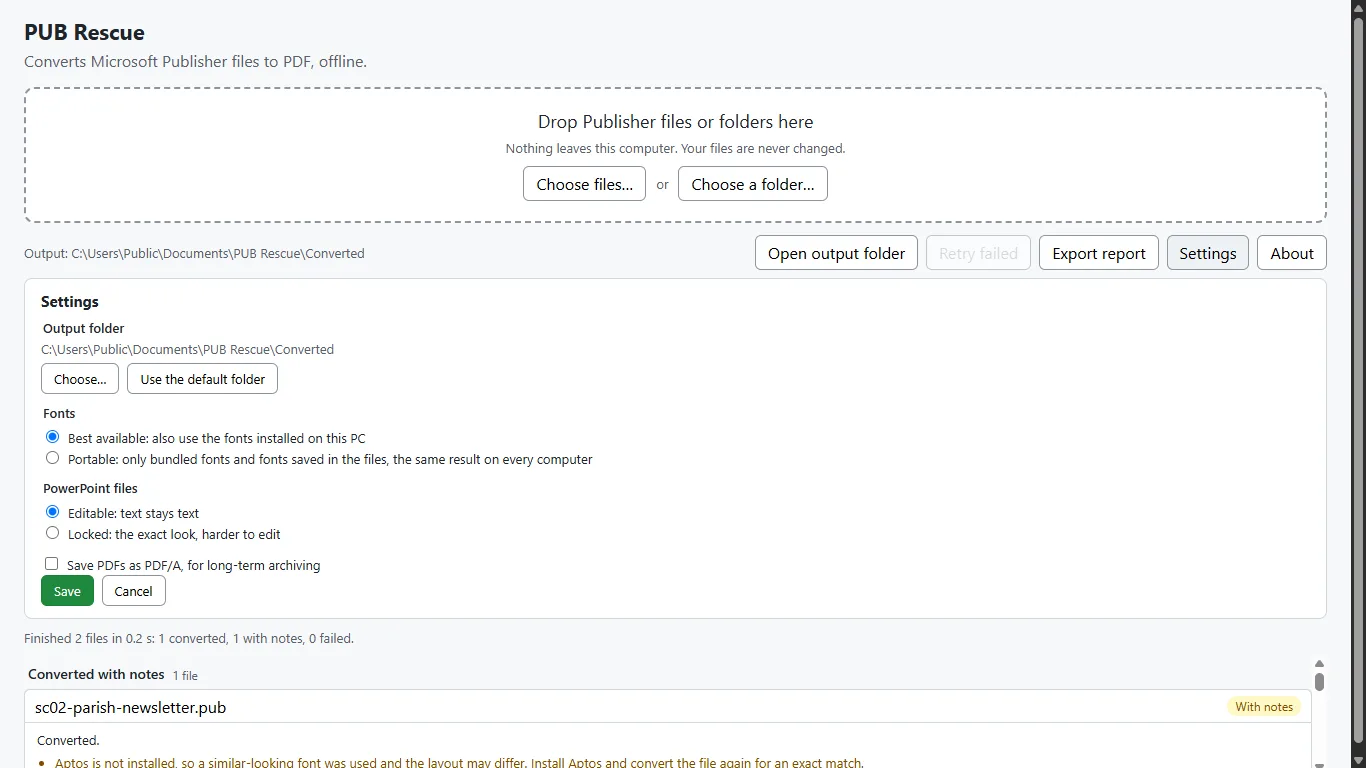
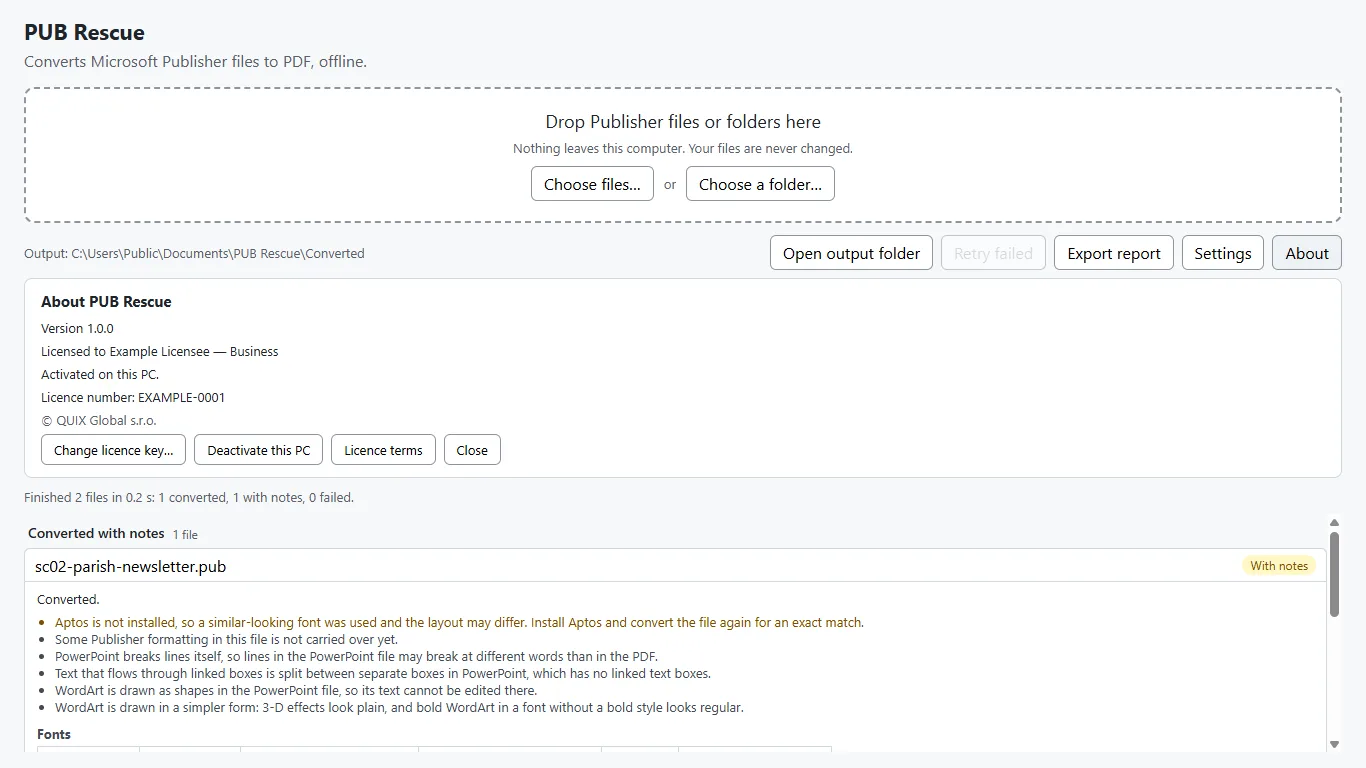
PUB Rescue is a Windows app from the Czech company QUIX Global s.r.o. It converts .pub files to PDF (optionally PDF/A-2b) and to PowerPoint with editable text, a whole folder at a time. It converts fully offline, with no upload and no account, and writes a plain-language report for every file of what had to change, such as substituted fonts. The free trial has no time limit and makes watermarked PDFs; a one-time licence removes the watermark and adds PowerPoint. It is available in the Microsoft Store for Windows 10 and 11.
"Publisher files are often the only copy of a community's history: parish bulletins, school newsletters, club programmes. We built PUB Rescue so that people can convert a whole archive on their own computer, without uploading anything, and see exactly what changed in each file," says Matěj Štipčák, QUIX Global.
For journalists
- A free Business licence for review: write to hello@pub-rescue.com.
- Practical guide: What to do with .pub files after Publisher.
- Screenshots (1366 × 768): 2-running, 3-finished-reason, 4-settings, 6-about-licensed.
Contact: Matěj Štipčák, QUIX Global s.r.o., Příčná 1892/4, 110 00 Praha 1, Czech Republic · hello@pub-rescue.com